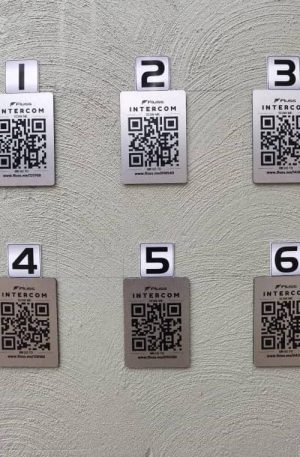
## How a Fluss Video Intercom Works
A Fluss video intercom system provides secure, real-time communication and access control between visitors and occupants, allowing users to **see, speak to, and grant access** remotely and safely.
### 1. Visitor Initiates Contact
When a visitor arrives at an entrance gate, reception area, or access point, they press the call button on the external video intercom panel.
The system immediately activates the built-in camera, microphone, and speaker.
### 2. Live Video & Audio Connection
The intercom sends a **live video and two-way audio feed** to the indoor monitor, security control room, or connected mobile device.
This allows the occupant or security personnel to:
* Clearly see the visitor
* Communicate in real time
* Verify identity before granting access
### 3. Identity Verification
Security staff or residents can visually confirm who is requesting entry. High-resolution cameras and night-vision capability ensure visibility during both day and night conditions.
### 4. Remote Access Control
Once the visitor is verified, access can be granted remotely by:
* Unlocking a gate or door
* Activating an electric strike or magnetic lock
* Opening vehicle entrances
This eliminates the need for physical contact or manual gate operation.
### 5. Monitoring & Security Integration
Fluss video intercom systems can integrate with:
* CCTV camera systems
* Access control solutions
* Alarm systems
* Security control rooms
This creates a **complete security solution**, improving monitoring and response capability.
### 6. Continuous Security & Record Keeping
Many systems support:
* Call logging
* Image or video recording
* Event history tracking
This provides an audit trail for security management and incident review.
—
### Key Benefits
* Improved access control and visitor management
* Enhanced safety for homes, offices, mines, and industrial facilities
* Remote communication and gate control
* Reduced unauthorized access risks
* Professional security monitoring capability